The digital back office for trades and construction
Less paperwork.More building.
Clock in, plan crews, document sites and chat with your team: one app for the site, one admin for the office. Plus your personal AI site agent that takes the paperwork off your hands.
Try it free for 30 days, no payment details required.

- Data in GermanyYour company data is stored in Germany (Hetzner).
- Works offlineRecord without signal, sync later.
- Usable with glovesLarge buttons, high contrast.
- ModularSwitch on only what you really need.
Your site agent
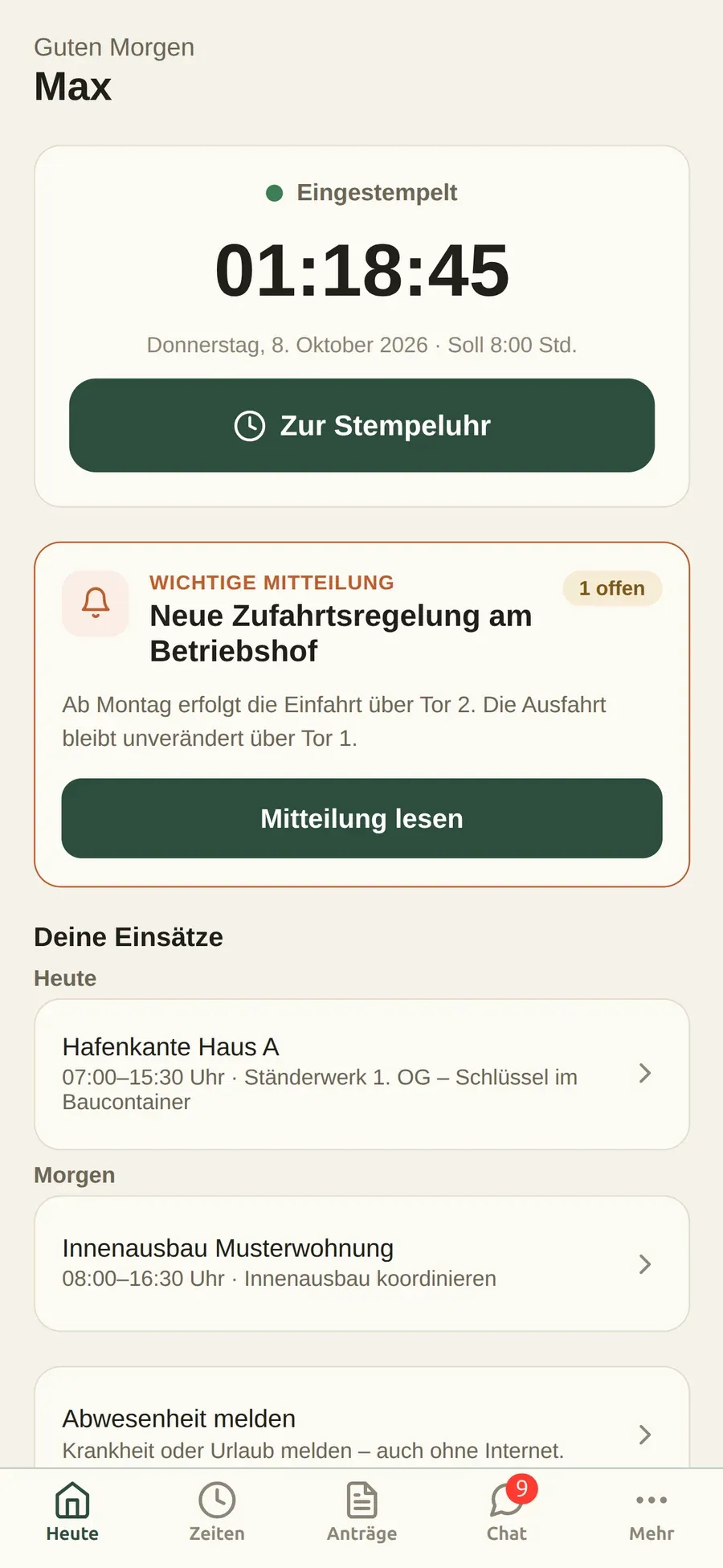
Just say it. The agent writes it down.
Instead of filling in forms, you talk or type to your personal AI agent. It knows your day, asks when something is missing and shows you everything as a draft. Nothing is saved until you confirm.
Knows your day
Assignments, project and team are known. You don’t have to explain everything every time.
Asks instead of guessing
If something is missing or ambiguous, you get a short follow-up question.
Nothing without your okay
Every entry appears as a draft. Legally binding steps such as signatures stay with you.
Even without signal
Your voice recording is stored on the phone and processed as soon as you are back online.
The agent can only do what you are allowed to do in the app. And everything it does also works with a tap.
Features
Everything your business needs every day.
Every module can be switched on individually. Start with whatever costs you the most time today.
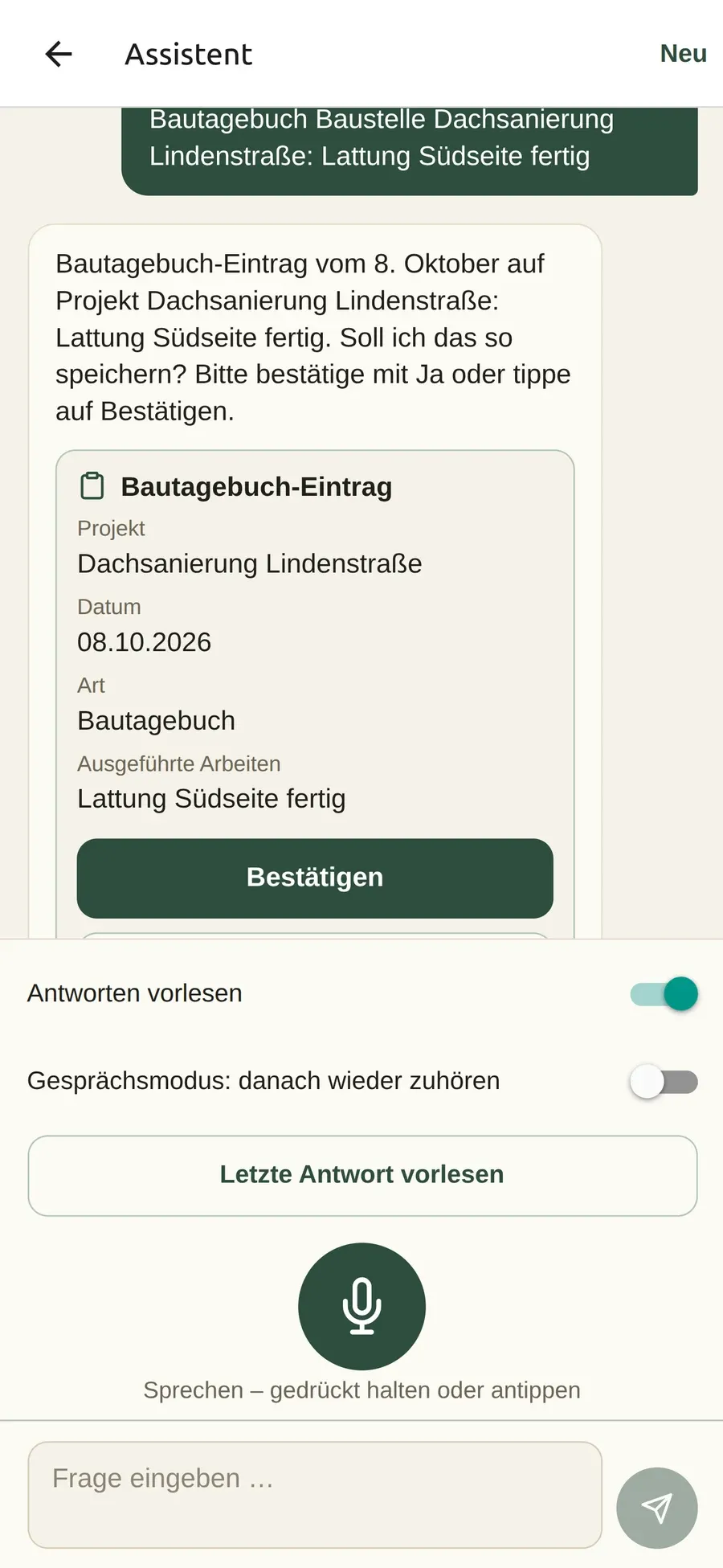
Time tracking & time clock
Clock in and out with a few taps, including breaks and time balance.
Crew scheduling & planning board
Who is where tomorrow? The planning board shows it at a glance.
Site diary
Record work, photos and weather on site and export them as PDF.
Projects & customers
Customers, projects and contacts in one place.
Chat & news
Team chats and company news instead of private messenger groups.
Fleet & tools
Vehicle deadlines and tool check-out at a glance.
Tasks & documents
Assign tasks, keep plans right on the project.
DATEV payroll export
Hours and absences as a LODAS file for your payroll office.
Module configurator
Switch features on and off per company, role or person.
From the app
This is what your working day looks like in the app.
Real screens from the app for your team on site, filled with sample data from a test company (shown in German).
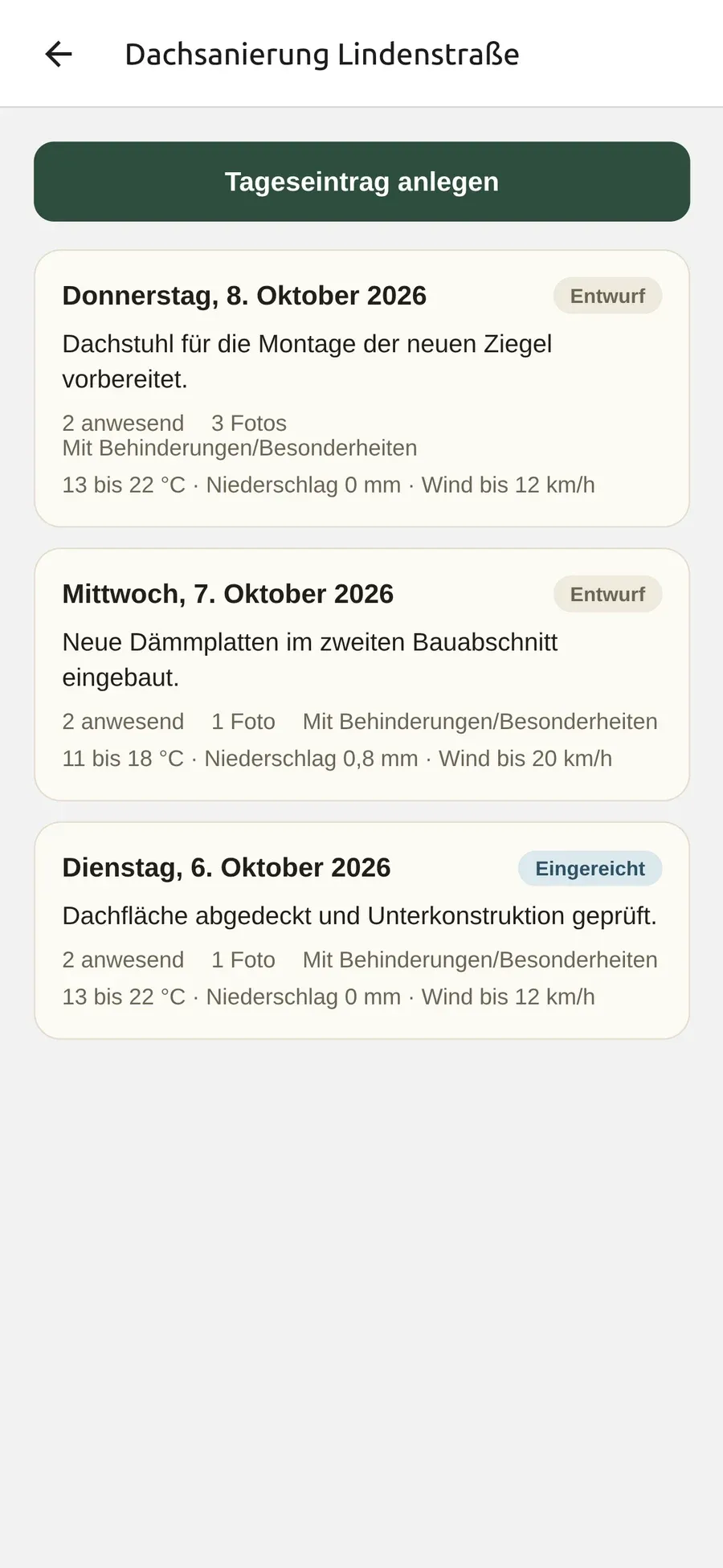
Site diary
One entry per day and site, with weather, people present and photos.
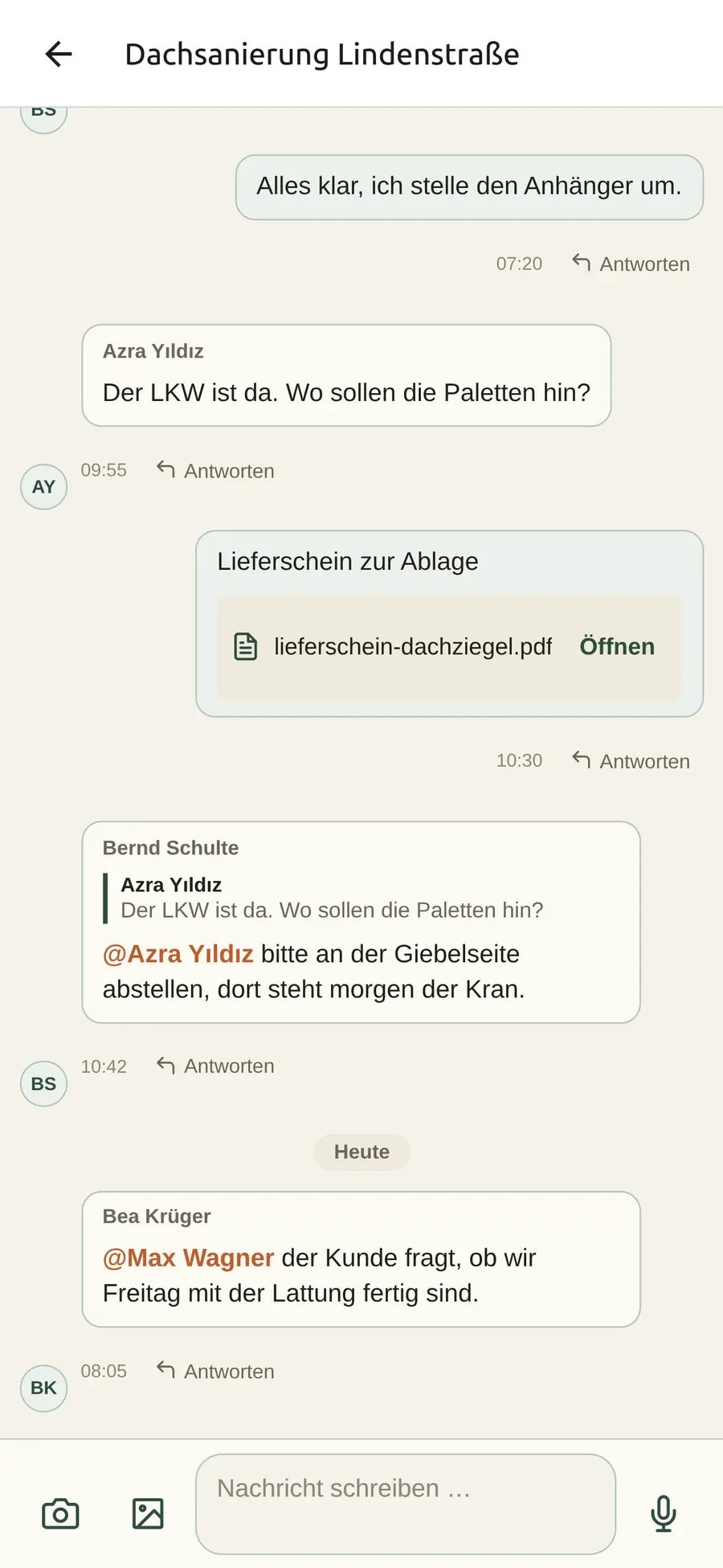
Project chat
Agreements stay with the project, with replies, mentions and files.
Who it’s for
For everyone in the business – from office to site.
Made for trades and construction businesses in Germany with 3 to 100 people.

Owner & office
Overview instead of paper chaos
- Hours, sites and capacity at a glance
- Handle leave and sick notes digitally
- Payroll preparation with DATEV export
Site manager & foreman
Your sites under control
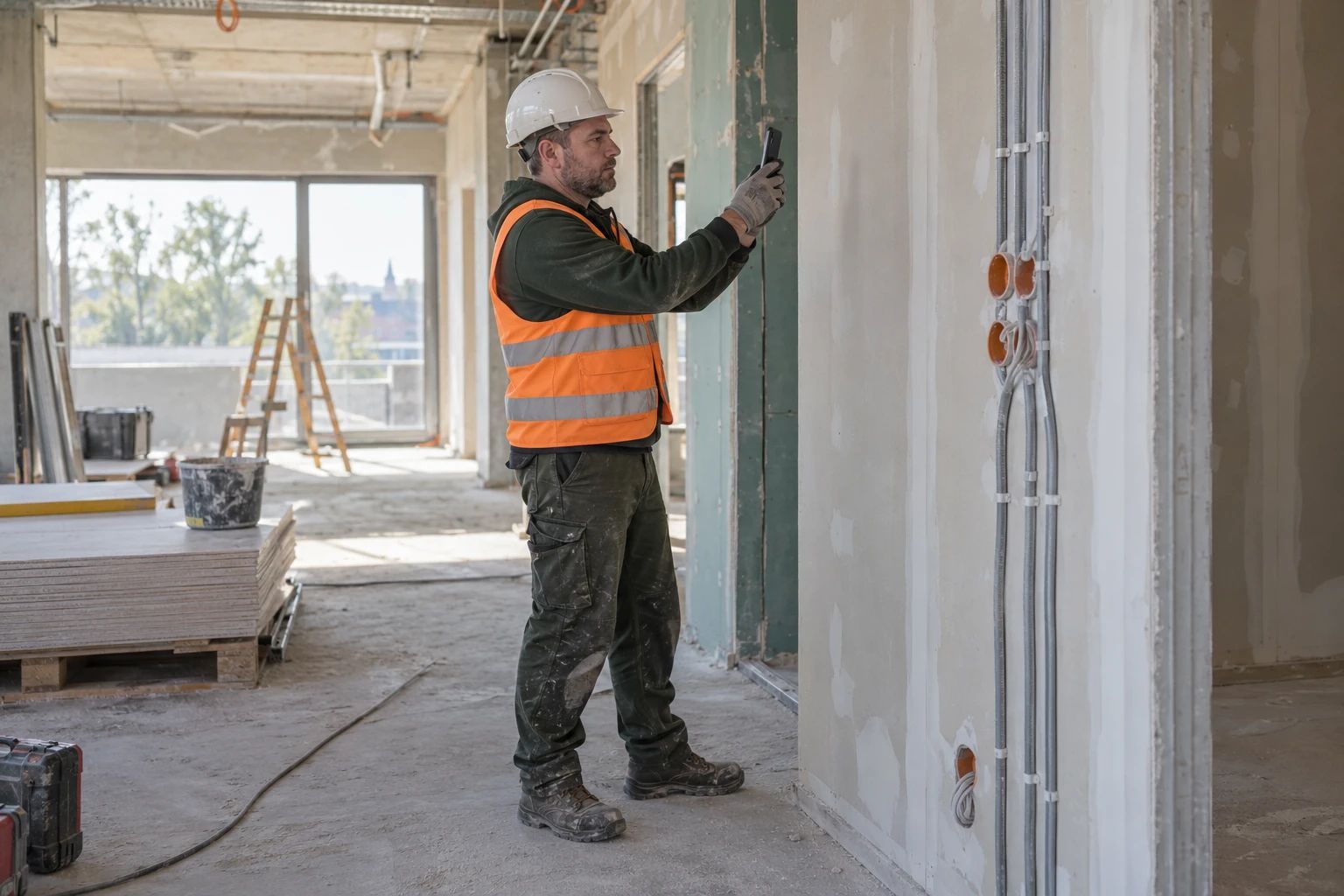
- Site diary with photos right on site
- Plan assignments, see your projects’ team hours
- Project chat instead of a WhatsApp group

Fitter & journeyman
Done quickly, even with gloves
- Clock in and out in seconds
- See where you work tomorrow
- Upload photos, call in sick, request leave
Why Mein Baubüro
Built for real construction sites.
Works without signal
Record hours, photos and site diary entries in a basement or a dead zone. The app syncs as soon as you are back online.
Simple, even with gloves
Large buttons, high contrast for sunlight and the key actions in a few taps. No training needed.
Data in Germany
Company data is stored in Germany (Hetzner), companies are strictly separated and access runs through roles and permissions. A deletion concept and data copies for data subjects are built in. For AI features, see the privacy policy.
Flexible by module
Switch on only what you need and adapt terms in the admin to your business – for example “job location” instead of “site”.
Getting started
Ready in three steps.
Sign up
Create your company with your email address. Free for 30 days, no payment details required.
Set up your company
Pick a template for your business. Modules and terms are preset and can be changed at any time.
Invite your team
Invite your people. They sign in to the app and get going right away.
Questions & answers
Good to know.
What does the trial cost?
Nothing. You can try Mein Baubüro free for 30 days without payment details. We are happy to answer questions about plans by email at info@hiprocall.de.
Where is my data stored?
Your company data is stored in Germany (Hetzner). Every company is strictly separated from the others, access runs through roles and permissions, and changes to working hours are logged. A deletion concept and data copies for data subjects are built in. AI features have their own notes, see the question on AI and the privacy policy.
How are office accounts protected?
Anyone who accesses the data of the whole company as an admin or in the office signs in with a password and a second factor: a code from an authenticator app on their phone. Setting it up is mandatory at the first sign-in and takes about two minutes. Recovery codes cover emergencies.
Is there an app for iOS and Android?
Yes. Your team works with the employee app on iPhone or Android smartphones, the office with the admin in the browser. Both use the same data.
Does the app work without internet?
Yes. Clocking in, photos and site diary entries can be recorded without signal. The app stores everything on the device and syncs as soon as there is a connection again. If changes to payroll hours conflict, the office resolves them specifically.
Can I hand over hours to DATEV?
Yes. Mein Baubüro creates an import file for DATEV LODAS with hours per wage type and absences. Beforehand, a pre-check shows whether, for example, personnel numbers or mappings are missing.
How do you handle AI and data protection?
The site agent is a separate module that you can switch on and off for the whole company or individual roles. It can only do what the respective person is allowed to do in the app, and it saves only after confirmation. For AI processing, the necessary content is sent to an AI service provider; speech recognition currently runs outside the EU. The details are in the privacy policy.
Try it on your next job site.
Free for 30 days, no payment details required. Questions first? Write to us at info@hiprocall.de.